
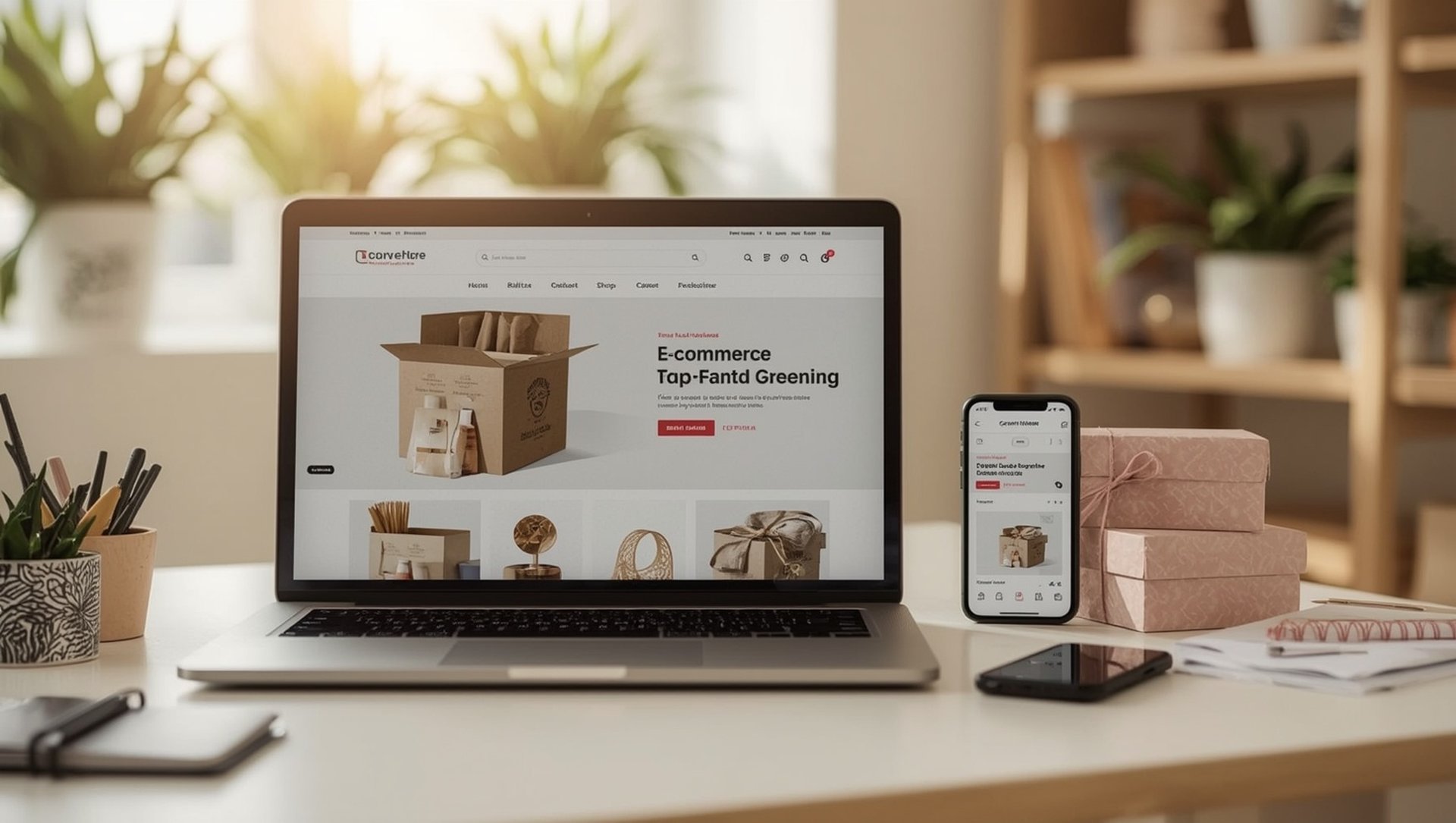
Launching an online store on Wix in 2026 is realistic for a solo founder within a weekend — provided a few decisions are made in the right order. Wix bundles payments, inventory and shipping into its store product, but the setup sequence, tax configuration and payment options decide whether the shop is ready to sell or merely looks the part. Here is how a clean Wix store comes together.
- A Wix online store requires a Business plan — the free and Combo tiers cannot sell.
- Configure tax and shipping before adding products to avoid rework.
- Multiple payment methods raise conversion; offer at least three or four.
- Legal pages — imprint, privacy, terms, returns — are mandatory before launch.
What do you need before adding products?
A Wix store runs only on a Business plan, so that is the first step. After that, the order of operations matters: set up tax rules and shipping zones before entering products, because changing them afterwards forces you to revisit every item.
The clean sequence is tax configuration first, then shipping zones and rates, then payment methods, and only then the product catalogue. Skipping ahead to products is the most common beginner mistake. A detailed English walkthrough of the full sequence — with screenshots for each screen — covers how to set up a Wix online store from an empty account to a live checkout.
Which payment methods should you offer?
Conversion rises with choice. In 2026, a store aimed at European buyers should offer at least PayPal, credit card, and one or two local instant-payment options. Wix supports these through its own payment product and third-party providers, though provider availability varies by country.
| Setup step | Do it before products? | Typical time |
|---|---|---|
| Tax rules | Yes | 30-45 min |
| Shipping zones | Yes | 30-60 min |
| Payment methods | Yes | 1-2 hours |
| Product catalogue | Last | Varies |
Source: Wix store documentation, June 2026.
Online stores carry legal obligations that vary by country – imprint, privacy policy, terms of sale and a returns policy are typically required before you accept a single order. Tax rules also depend on where you sell. Confirm your specific obligations with a qualified advisor before launch.
What are the common pitfalls?
Three mistakes recur. Adding products before tax and shipping are set, which multiplies rework. Offering only one payment method, which quietly costs conversions. And launching without the required legal pages, which invites warnings. Working through the setup in the right order avoids all three. For the full sequence, this guide on building a Wix online store walks through each step.


Frequently asked questions
Can I sell on the free Wix plan?
No. Store functions require a Business plan. The free and Combo tiers do not support checkout or payments.
What should I set up before adding products?
Tax rules, shipping zones and payment methods – in that order. Changing them after adding products means revisiting every item, so configure them first.
How long does a basic Wix store take to launch?
With products, images and legal pages ready, a solo founder can launch a basic store in a weekend. New content and a large catalogue extend the timeline.
Conclusion
A Wix online store in 2026 is well within reach for a solo founder who respects the setup order and prepares the legal pages up front. Tax and shipping first, payments next, products last – that sequence turns a weekend into a working shop. For the complete walkthrough, this guide on building a Wix online store covers every step.
About the editorial team
Our editorial desk reviews e-commerce tools for practical suitability, with attention to the legal and tax context of selling online.
Sources and further reading
- Wix eCommerce documentation – support.wix.com
- Wix payment providers overview – wix.com
- Wix online store walkthrough – julianweber.blog
Published: 4 July 2026